Hong Kong Trade Shows: How Importers and Exporters Build International Business Connections
Practical steps and a simple workflow to turn Hong Kong trade show contacts into customers: prepare, scan and qualify leads at the booth, then follow up within 24 hours using a business card scanning app and CRM integration.

You are at the Hong Kong Convention and Exhibition Centre with a table full of interested buyers and a stack of paper business cards. The immediate question is not whether you collected enough cards, but what to do next so these contacts become customers. This article walks importers and exporters through a practical, event-focused workflow that turns trade show networking into repeatable international business.
The guidance covers what to prepare before the show, how to capture and qualify leads on the floor, and the fastest ways to follow up so opportunities do not cool. It also explains how to use digital tools to avoid the common pitfalls that kill momentum after every busy trade fair.
Before the show: set measurable goals and prepare your materials
Trade shows in Hong Kong attract buyers from across Asia and beyond, so define simple, measurable objectives you can act on immediately. Examples:
- Collect 100 new contacts, of which 40 are decision makers.
- Secure five meetings with regional distributors within two weeks after the show.
- Identify 10 leads to fast-track into a sample order pipeline.
Practical preparation:
- Bring a small stack of your best product sheets printed in English and the main languages of your target markets.
- Decide how you will collect contact details: physical card exchange, QR code, or digital capture with a business card scanning app. Each method has trade-offs in speed and accuracy.
- Prepare a short qualifying script to identify whether a contact is an importer, distributor, buyer, or potential partner. Keep it to three questions that matter to your sales cycle.
At the show: capture accurate contact data and qualify leads
Collecting cards is only the first step. The real value comes from accurate data and quick qualification.
Capture: speed plus accuracy
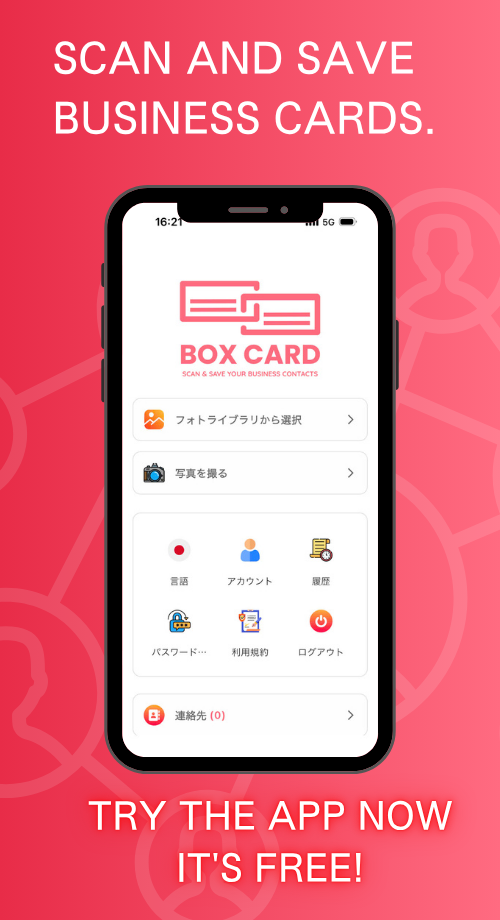
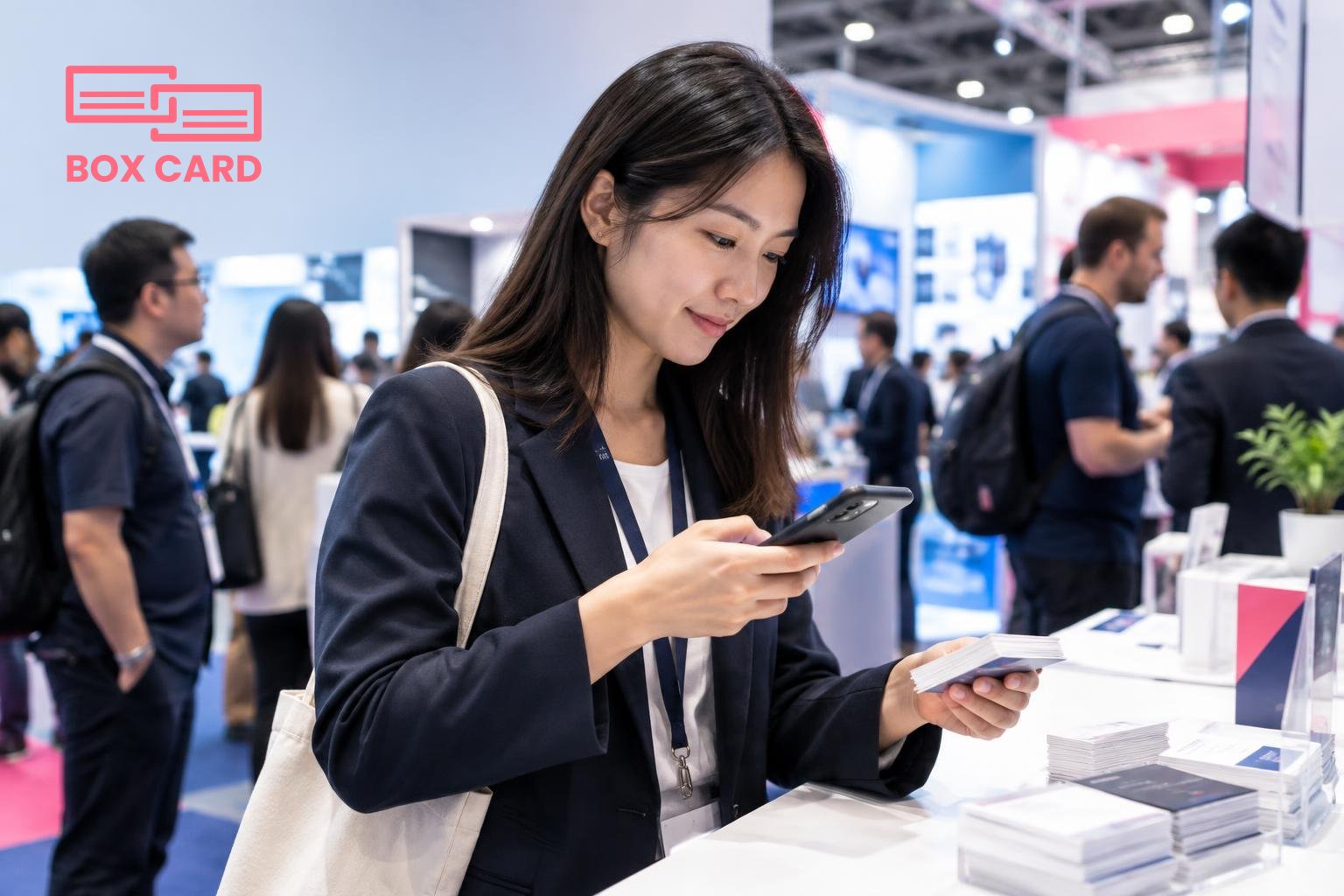
When you collect a card, scan it immediately. A high-quality scan reduces transcription errors and saves hours of manual entry later. Using a Boxcard scanning app or another business card scanning app lets you digitize cards in seconds and tag contacts while the interaction is fresh in your mind. If you prefer an alternative, capture a clear photo and enter two notes on the spot: market, and immediate next step.
Qualify: separate quick wins from long-term nurture
After scanning, assign one of three statuses: hot, warm, or nurture. Hot means a clear buying intent and next-step agreement, such as a sample order or a follow-up call. Warm means interest but no immediate decision. Nurture means useful but not urgent. Record one sentence that explains the status to avoid ambiguity later.
How to digitize business cards without losing context
Digitization is not only OCR. Good systems preserve the context of the meeting: where you met, what was discussed, and the promised next step. A Business card OCR app converts printed text into contact fields, but you should also capture notes, business priorities, and the language preference of the contact.
If you use Boxcard business card management or a Cloud business card management solution, make sure it supports adding tags, custom fields, and follow-up reminders. These small data points determine whether a lead becomes a customer.
After the show: follow-up workflow that actually converts
Follow-up speed matters. Research shows that responsiveness within the first 48 hours substantially raises the chance of conversion. Use this timeline:
- Within 24 hours: send a tailored thank-you message, reference the conversation, and propose the agreed next step.
- Within 3 to 7 days: if the contact asked for samples, confirm logistics and pricing. Attach product sheets in the contact's preferred language when possible.
- Two weeks later: for warm leads, send a short case study or pricing tier to reopen the discussion.
To execute this at scale, export contacts into your CRM or use CRM integration built into your business card management app. If you collected contacts with a Business card data management system that offers direct transfer, configure mapping of fields first so you do not create duplicates or lose notes.
Tools and workflows that save time
Which features matter most in practice:
- Speed and accuracy: a High-accuracy business card scanning app or AI business card scanner reduces manual clean-up after a show.
- Tagging and custom fields: capture market, product interest, and next step right when you scan.
- Sharing and collaboration: a business card information sharing app lets colleagues access leads and avoid duplicating outreach.
- CRM integration: push validated leads into your sales pipeline automatically to preserve momentum.
For teams on a budget, Free business card management options exist, but verify export limits and accuracy. A small investment in a reliable solution often saves far more time than it costs, especially if your trade-show calendar includes multiple fairs per year.
Common mistakes exporters and importers make
- Assuming paper cards alone are enough. Without digitization and notes, cards sit in a drawer and value is lost.
- Not qualifying leads at the stand. Treating every contact the same wastes sales effort.
- Bulk exporting to CRM without cleaning data. This creates duplicates and obscures useful notes.
- Lack of follow-up timeline. If you do not set reminders, hot leads cool quickly.
Example workflow you can use at the next Hong Kong show
- Before the show: load product sheets into your phone and test your Boxcard scanning app or preferred business card digitization tool.
- At the booth: scan each card, tag with market and lead status, and ask one qualifying question.
- End of day: review new scans, correct any OCR errors, and assign owners for follow-up.
- Within 24 hours: send personalized follow-up emails, then push hot leads into your CRM via CRM integration.
Collecting cards creates potential. Digitizing them with context creates deals.
If you are evaluating options, test at least two solutions during smaller events so you can compare how they handle OCR accuracy, tagging, and export to your sales systems. Try scanning the same card with different apps to see which preserves the layout and special characters of international names and addresses. If the team needs shared access, choose a business card information sharing app or Cloud business card management that supports role-based permissions.
Finally, remember trade shows are relationship-driven. Technology helps you scale and keep promises, but it does not replace a clear value proposition and timely follow-up. The smallest discipline, consistently applied after each show, compounds into reliable international deals.
Next step: pick one trade show in Hong Kong to test this workflow, choose your scanning tool, and commit to the 24-hour follow-up rule for every contact you collect.