Python & AI: The Ultimate Implementation Guide to Automating Business Card Data Entry
A Python–AI pipeline can instantly turn physical business cards into structured CRM data, eliminating manual entry and boosting productivity.
1. The Strategy: Why Custom AI Trumps Manual Entry
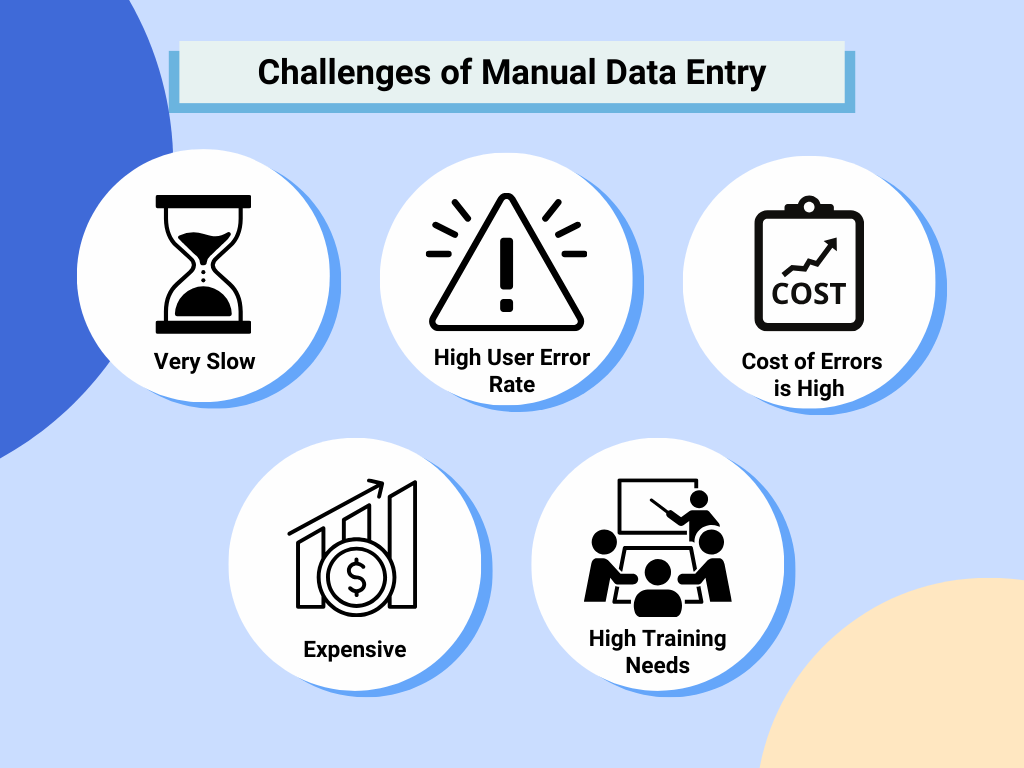
Manual data entry isn't just slow— it limits growth. Automating this workflow with Python allows for:
- ・90%+ Time Savings: Process an entire week's worth of networking in seconds.
- ・Data Integrity: Eliminate typos in critical fields like emails and phone numbers.
- ・Scalable Intelligence: A system that learns from different card layouts and integrates directly with your existing tech stack.
2. Phase 1: Advanced Image Preprocessing (OpenCV)
To get 99% OCR accuracy, the "raw" photo isn't enough. You need to prepare the image for the AI engine.
- ・Grayscale & Contrast: Convert the image to black and white to make the text pop.
- ・Edge Detection & Warping: This is the "secret sauce." By detecting the four corners of the card, we apply a Perspective Transform. Even if your photo was taken at an angle, the system "flattens" it into a perfect top-down view.
- ・Denoising: Removing digital noise ensures the OCR engine doesn't confuse a speck of dust for a period or comma.
3. Phase 2: OCR – Turning Pixels into Text
While Tesseract is a classic, the modern standard for business cards is EasyOCR.
- ・EasyOCR: Powered by Deep Learning (PyTorch), it handles stylized fonts, logos, and multiple languages far better than traditional methods.
- ・Accuracy: It provides a "Confidence Score" for each word, allowing you to flag low-confidence reads for human review.
4. Phase 3: Intelligent Data Extraction (AI + RegEx)
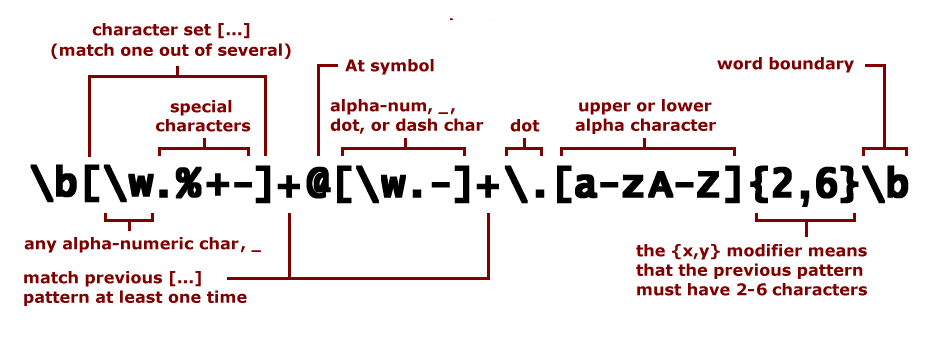
Extracting raw text is only half the battle. The system must "understand" which string is a name and which is an address.
- ・RegEx Strategy: Regular Expressions are perfect for identifying patterns like emails (@), websites (www.), and phone numbers.
- ・Semantic Heuristics: Identifying keywords like "Manager," "Director," or "Inc." helps categorize Job Titles and Company Names.
- ・NER (Named Entity Recognition): For complex cards, we use NLP models (like SpaCy) to distinguish between a person's name and a street name.
5. Phase 4: The ETL Flow & Database Storage
Data needs a home. A professional system follows the Extract, Transform, Load (ETL) model:
・Extract: OCR pulls raw strings from the warped image.
・Transform: Python scripts map these strings into a structured format (JSON or Dictionary).
・Load: Using SQLAlchemy, the data is pushed into a MySQL or SQLite database.
Cloud-Native Option: For enterprise scalability, tools like Azure AI Document Intelligence can be integrated to sync data directly into your CRM via API.
6. Phase 5: UX & Web Interface (Streamlit)
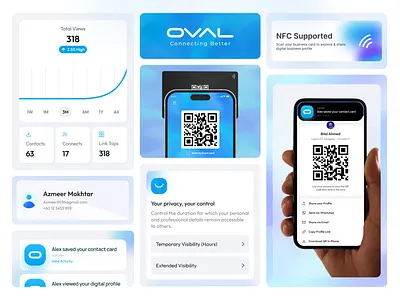
A script is for engineers; a tool is for the team. Transforming your code into a Web App using Streamlit adds professional-grade UX:
- ・Drag-and-Drop: Upload card photos directly via browser.
- ・Real-time Validation: View the OCR results and edit them on the fly before saving.
- ・Analytics Dashboard: Search, filter by company, or export your entire contact list to Excel/CSV.
7. Business Impact and Beyond
Feature | Manual Workflow | Python AI Pipeline |
Speed | 2-3 mins / card | < 5 seconds / card |
Accuracy | Prone to human error | High-precision AI |
Flexibility | Rigid | Processes Invoices, Receipts, IDs |
Beyond business cards, this same architecture can automate your Invoices, Receipts, and Contracts, turning your entire back-office into a streamlined digital powerhouse.
“Business card apps sound useful, but they’re often complicated, slow, or eventually require payment.”
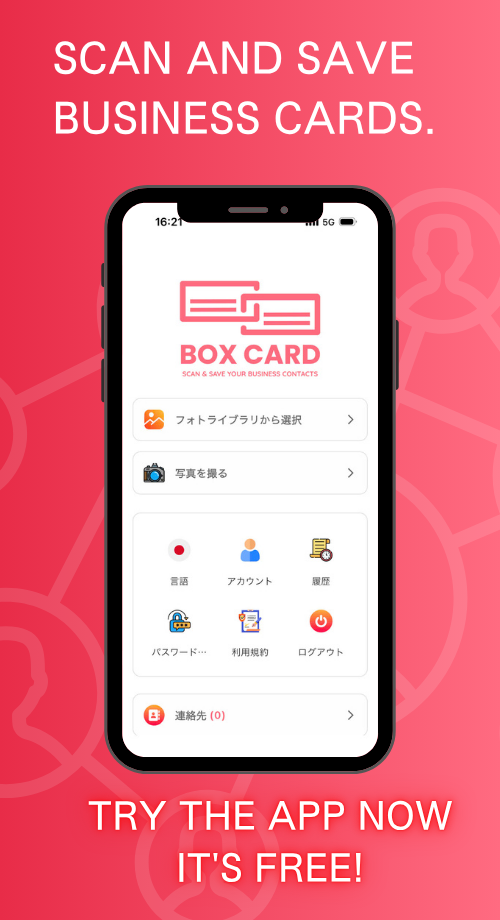
If you’ve ever felt this way, BoxCard is a great option to consider.
8. Boxcard - Optimize Business Card Management with AI
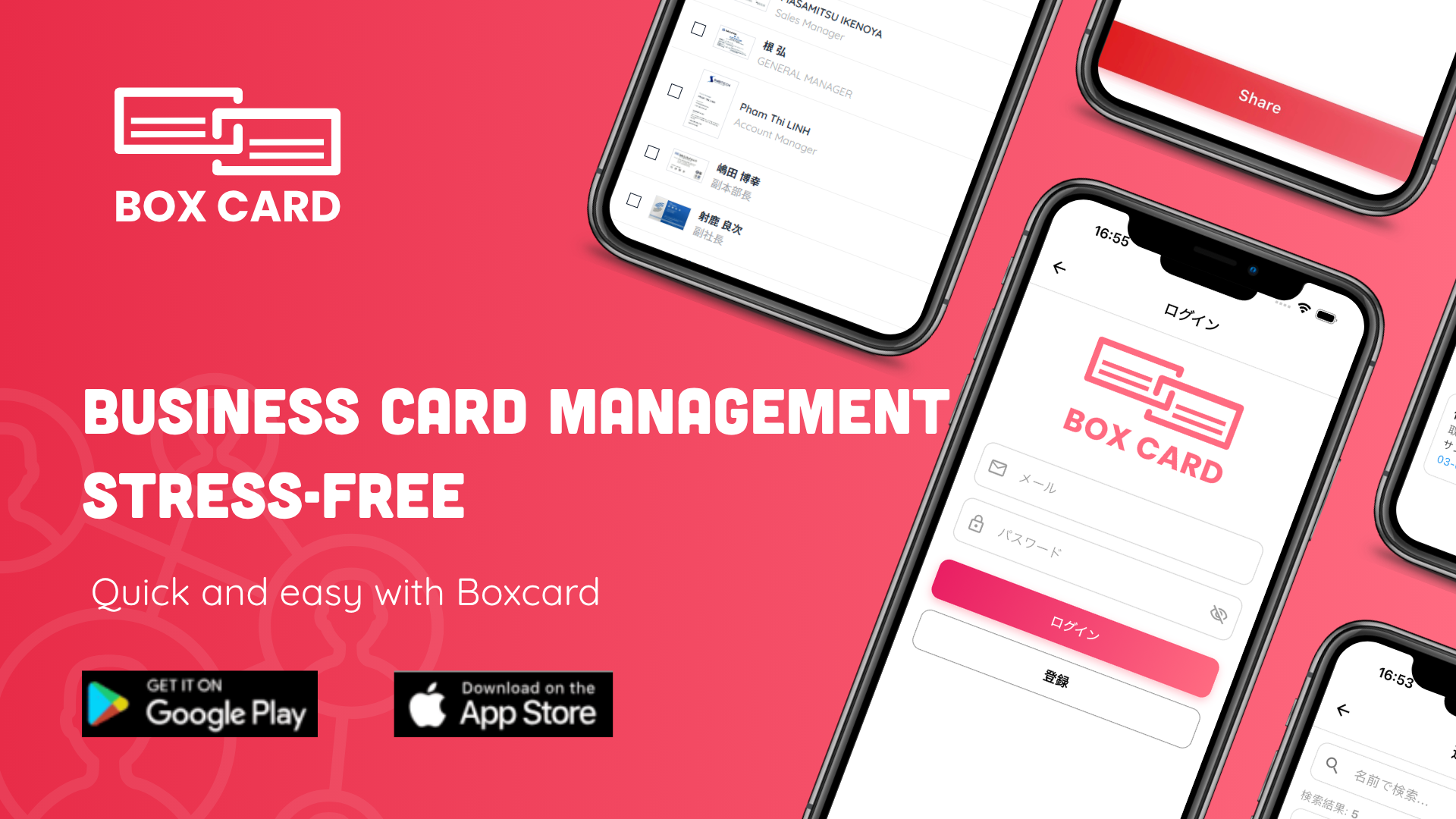
Boxcard is designed with three key strengths in mind: simplicity, lightweight performance, and free access, making it easy for anyone to get started right away.
・Easy to use: Intuitive interface with no complicated setup
・Lightweight and fast: Smooth performance without lag
・Free to use: Core features available without hidden costs
・Multilingual support: Supports English, Japanese, Vietnamese, Korean, and Chinese (Simplified & Traditional)
What Makes BoxCard Different?
Many business card management apps offer advanced features but come with trade-offs such as high costs, complex interfaces, or heavy performance.
BoxCard takes a different approach by focusing on essential functionality with a seamless user experience:
・Streamlined workflow with minimal setup
・Fast scanning, organizing, and searching
・Core features fully accessible without requiring payment
As a result, BoxCard stands out by offering a balance between usability, performance, and cost-efficiency.
This makes it especially useful for professionals handling multilingual business cards or working in international environments.
Who Should Use BoxCard?
・Beginners looking for a simple solution
・Users who want a free and efficient tool
・Professionals managing multilingual contacts
・Anyone who prefers lightweight and easy-to-use apps
👉 Download BoxCard now on the App Store or Google Play and start managing your business cards more efficiently.
Building a custom business card scanner with Python and AI is more than a technical project—it's a commitment to efficiency. By combining OpenCV’s precision, EasyOCR’s intelligence, and a Streamlit interface, you transform paper waste into a high-value digital database.The future of networking is digital. Is your data ready?