[Sales DX] The New Standard for AI Business Card Management: Connecting with Google, Outlook, and CRM
AI-powered business card digitization transforms scattered contact info into a centralized, usable sales asset by automating data entry and integrating with tools like Google Contacts, Outlook, and CRM systems.
![[Sales DX] The New Standard for AI Business Card Management: Connecting with Google, Outlook, and CRM](https://admin.boxcard.cloud/storage/banners/8zeRkWEugLXsSVcruScwrgeybn97ivdL7504WRhD.png)
1. What is an AI Business Card Reading System? Differences from Traditional OCR

While traditional OCR (Optical Character Recognition) technology could read business cards, it faced several challenges:
- ・Misrecognition of titles and positions.
- ・Incomplete support for business cards with mixed Japanese and English.
- ・Low accuracy in data classification.
AI Business Card Reading overcomes these issues with advanced features:
- ・Natural Language Processing (NLP): Accurately categorizes titles and company names.
- ・Bilingual Recognition: Automatically recognizes Japanese/English cards (e.g., identifying both "部長" and "Manager").
- ・Batch Scanning: Scans multiple cards at once and automatically sorts them.
- ・Duplicate Management: Cross-references with CRM data post-scan to merge duplicates.
As a result, companies can reduce human error, increase registration speed, and enable immediate sales utilization.
2. Google Contacts Integration: Methods and Use Cases
Integration with Google Contacts is highly effective for companies using Google Workspace.
Basic Steps:
- ・Scan the card using an AI-powered app.
- ・Automatic Extraction: Name, company, phone number, and email are pulled instantly.
- ・Sync: Automatically register the data to Google Contacts via account linkage.
Use Cases:
- ・Real-time updates to contact lists shared across sales teams.
- ・Immediate contact with clients from mobile devices.
- ・Centralized management of negotiation history via Gmail and Google Calendar.
3. Outlook Integration: Methods and Use Cases
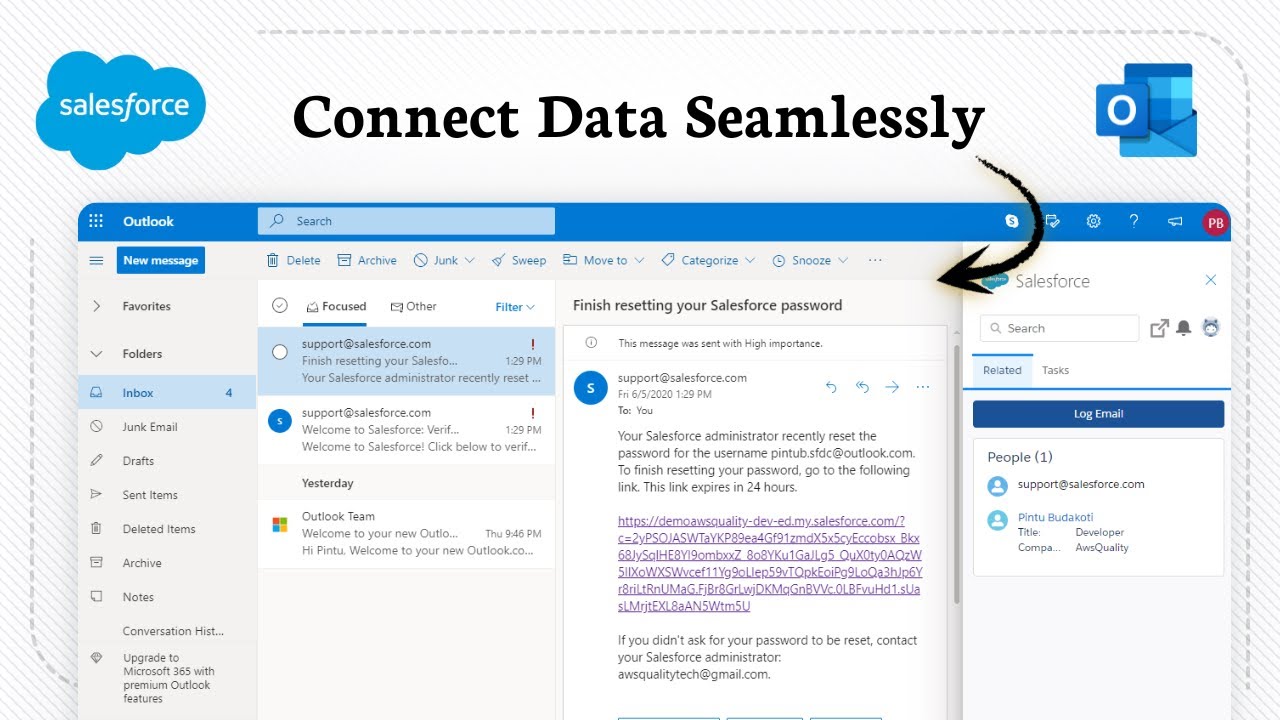
Similar integration is available for companies using Microsoft Outlook.
Steps:
- ・Scan with an AI business card reading app.
- ・Link with a Microsoft account.
- ・Automatically register to Outlook Contacts or import via CSV.
Use Cases:
- ・Utilize as a shared address book within the sales department.
- ・Easily manage customer touchpoints through integration with Teams and Outlook Calendar.
- ・Set automatic notifications for sales follow-ups triggered by new card data.
4. Elevating Data to a "Sales Asset" via CRM Integration

By linking AI systems with a CRM, business cards evolve into strategic assets.
Integration Flow:
- ・Scan & Extract: Digitize card information.
- ・Auto-Registration: Populates the CRM "Customer Master" with company, contact, department, and contact info.
- ・Deduplication: Merges data with existing customer records.
- ・Action Triggers: Use the card data to initiate sales opportunities or automated actions.
What you can achieve:
- ・Convert cards collected at exhibitions into sales leads on the same day.
- ・Automatically detect changes in a customer’s position to revise sales strategies.
- ・Sync with MA (Marketing Automation) tools based on business card data.
5. Information Governance: The Overlooked Management Perspective
Since business card info is both personal data and a corporate asset, management structure is crucial.
Key Concerns for Admins & IT Departments:
- ・Log Management: Tracking who scanned which card and when.
- ・Security Standards: Cloud security levels and data storage locations.
- ・Access Control: Managing accounts in line with internal policies.
- ・Handover: Transferring card data when an employee leaves the company.
Many companies struggle with employees using personal business card apps on private smartphones without oversight. SaaS-based business card management systems clear these hurdles and ensure information governance.
6. Quantitative Benefits of Implementation
Item | Manual Entry | AI Business Card Reading |
Registration Time | Approx. 1–2 mins / card | Approx. 5–10 secs / card |
Error Rate | Approx. 10–15% | Under 1% (with AI learning) |
Lead List Creation | Manual filtering/sorting | Auto-tagging & segmentation |
Data Updates | None (Static) | Auto-detection of title/email changes |
7. Boxcard - Optimizing Management with AI

“Business card apps sound useful, but they’re often complicated, slow, or eventually require payment.”
If you’ve ever felt this way, BoxCard is a great option to consider.
Boxcard is designed with three key strengths in mind: simplicity, lightweight performance, and free access, making it easy for anyone to get started right away.
- ・Easy to use: Intuitive interface with no complicated setup
- ・Lightweight and fast: Smooth performance without lag
- ・Free to use: Core features available without hidden costs
- ・Multilingual support: Supports English, Japanese, Vietnamese, Korean, and Chinese (Simplified & Traditional)
What Makes BoxCard Different?
Many business card management apps offer advanced features but come with trade-offs such as high costs, complex interfaces, or heavy performance.
BoxCard takes a different approach by focusing on essential functionality with a seamless user experience:
- ・Streamlined workflow with minimal setup
- ・Fast scanning, organizing, and searching
- ・Core features fully accessible without requiring payment
As a result, BoxCard stands out by offering a balance between usability, performance, and cost-efficiency.
This makes it especially useful for professionals handling multilingual business cards or working in international environments.
Who Should Use BoxCard?
- ・Beginners looking for a simple solution
- ・Users who want a free and efficient tool
- ・Professionals managing multilingual contacts
- ・Anyone who prefers lightweight and easy-to-use apps
👉 Download BoxCard now on the App Store or Google Play and start managing your business cards more efficiently.
Business cards are more than just paper; when digitized and managed correctly, they become powerful data assets for sales and marketing. By utilizing an AI business card reading system, you don't just reduce the burden of manual entry—you achieve seamless integration with Google, Outlook, and CRM, dramatically increasing the speed and accuracy of your customer interactions. Take the first step toward modern Sales DX today.
![[Sales DX] The New Standard for AI Business Card Management: Connecting with Google, Outlook, and CRM sidebar](https://admin.boxcard.cloud/assets/images/blogs/4.png)